Recording lights that follow Logic Pro and Pro Tools, video that starts when you hit record, lyrics on your iPhone — and now a Media Manager that finds dual-mono files, edits metadata and measures loudness.

Open any folder of WAV, AIFF or CAF files and see the whole session at a glance — formats, dual mono, loudness and metadata. Files are only changed when you choose to, with backups by default.
Stereo files where left and right are identical take twice the space and confuse mixes. StudioTools finds them bit-exact and converts them to mono.
.bak backup or write a new
_mono file, and tag originals and results with Finder tags.
View and edit title, artist, comments and Broadcast Wave description in WAV, AIFF and CAF. Select many files and apply changes to all of them at once.
Measure integrated LUFS, loudness range and true peak — and store the values in the Broadcast Wave file for delivery.
Preview with waveform, markers and live level and loudness meters. The L−R null test makes dual mono audible — or rather, silent.
Export the file list with durations, sample rates, bit depths, loudness and metadata as CSV or TSV for clients and archives.
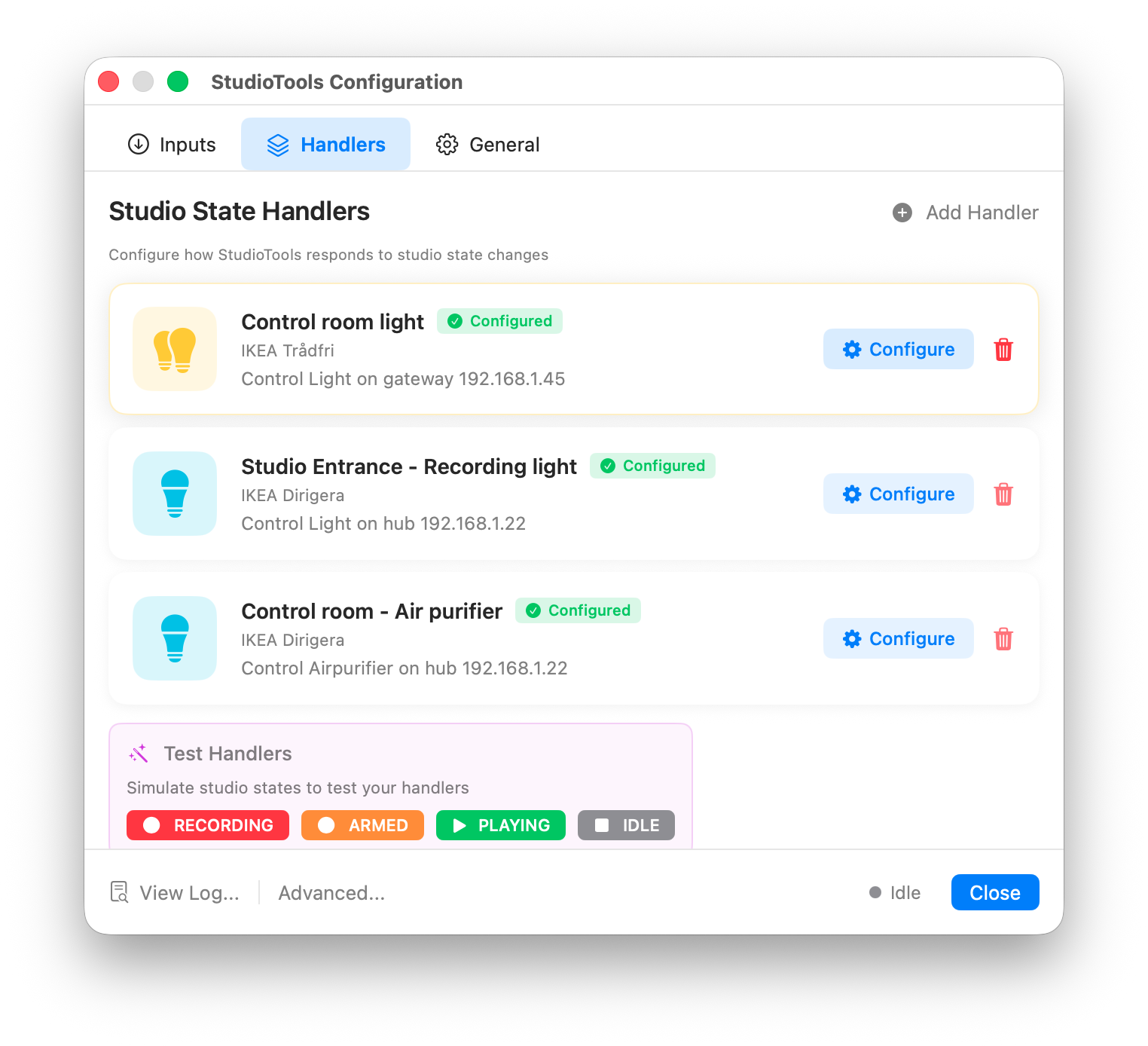
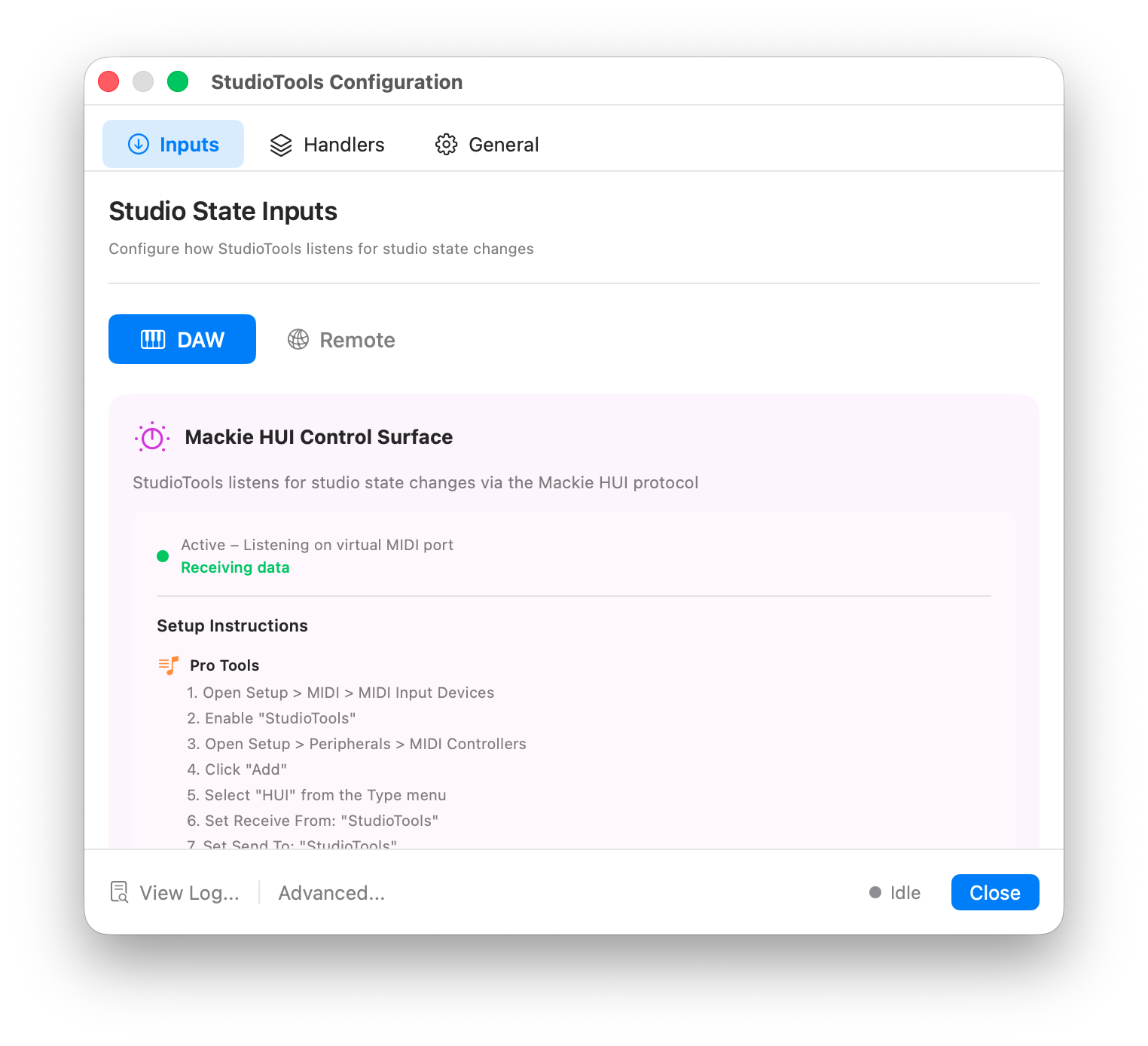
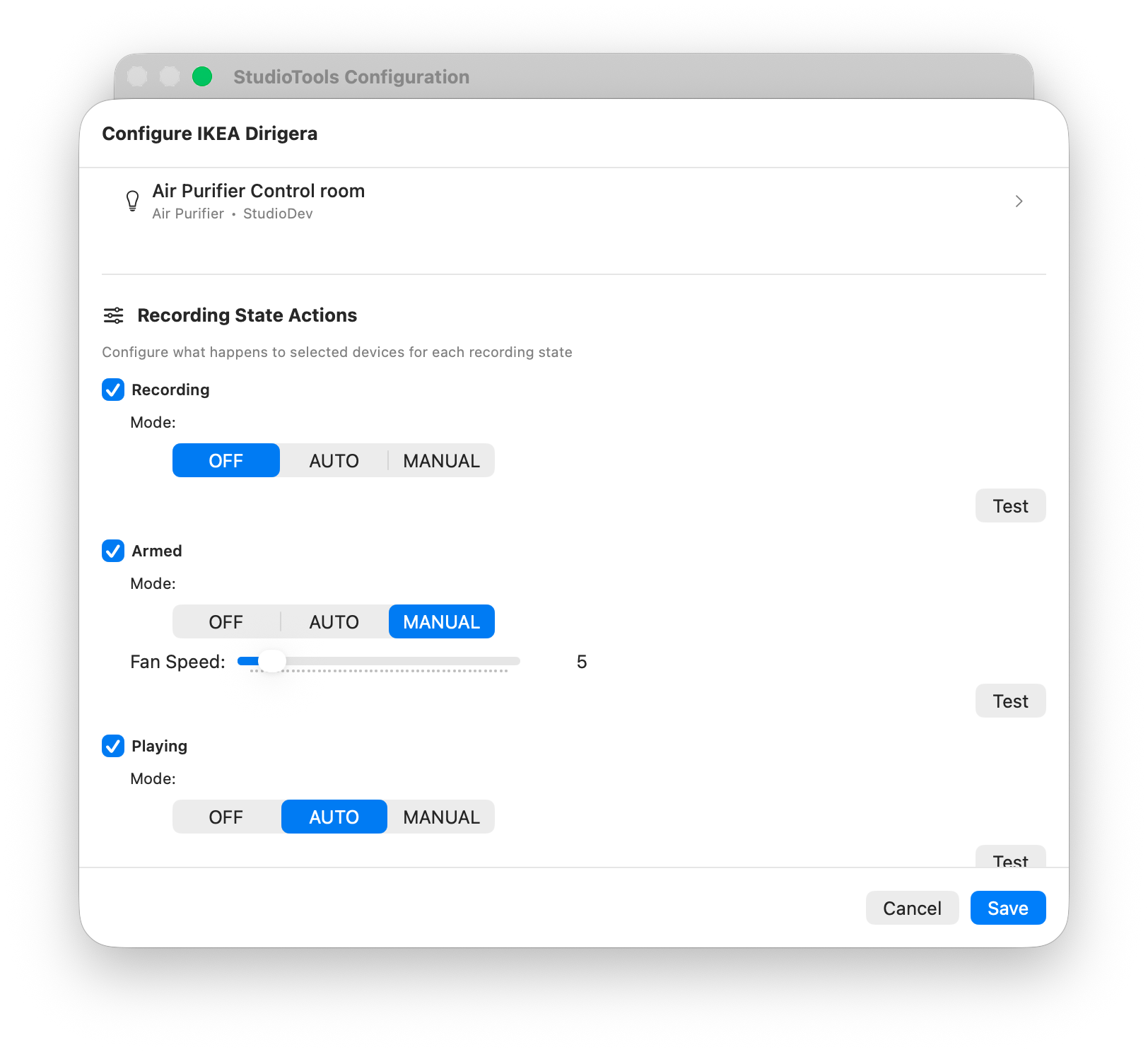
StudioTools listens to your DAW's recording state — recording, armed, playing, idle — and turns it into actions: the red light outside the booth, the camera, the air purifier that should go quiet.
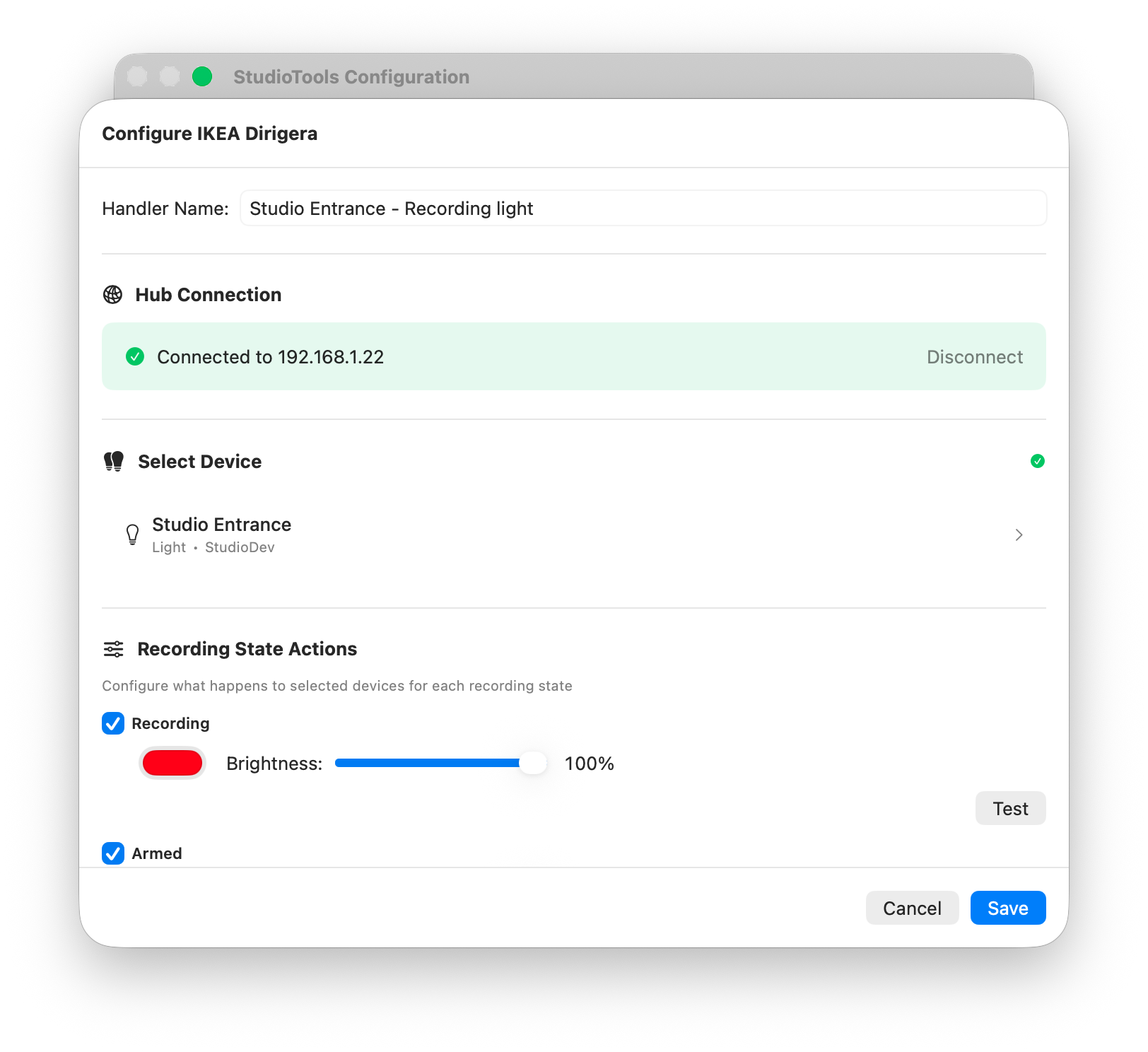
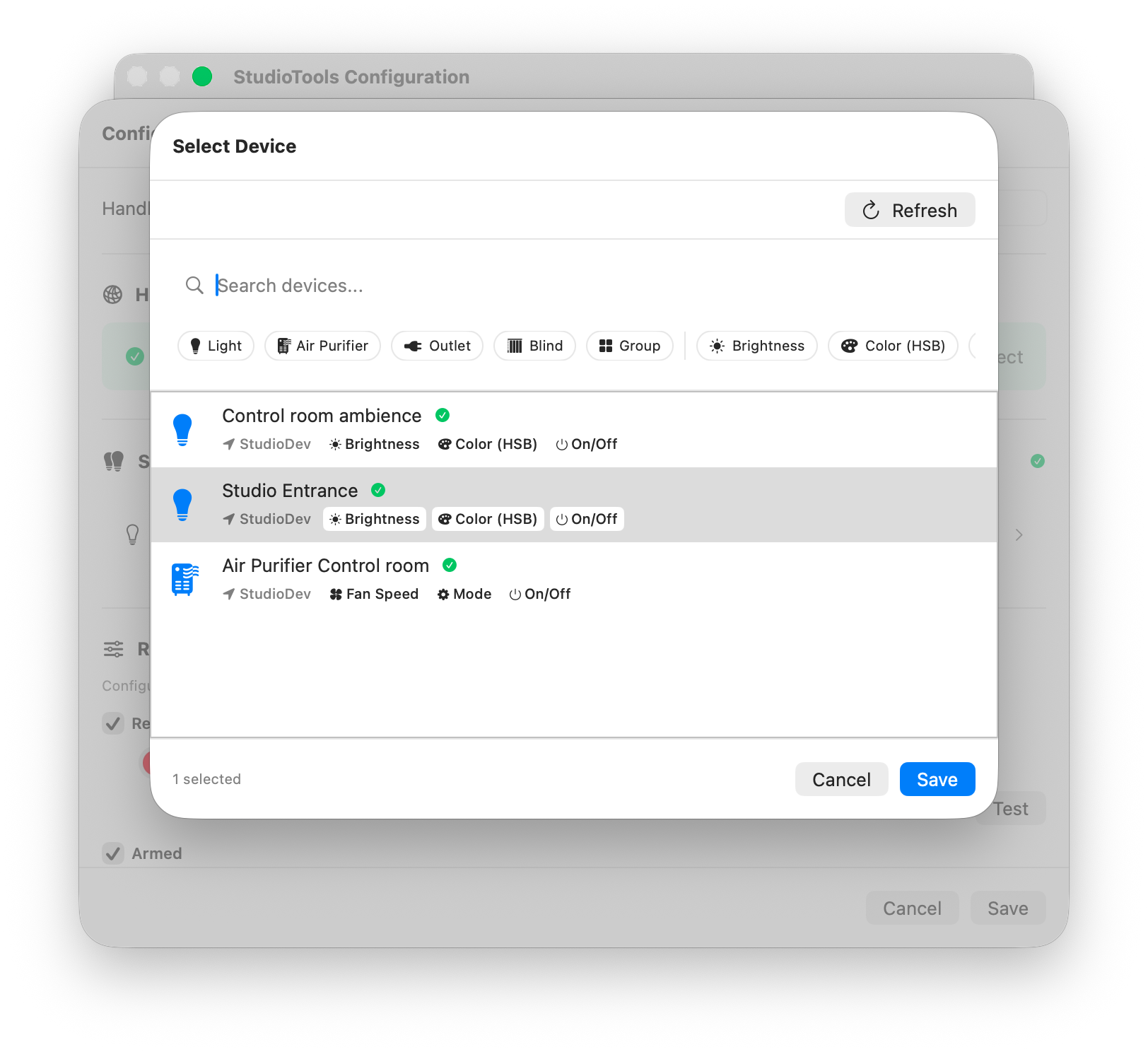
Philips Hue, IKEA Trådfri and Dirigera, and Matter devices — colors, brightness and more per state. StudioTools shows if a hub is offline and finds it again when it has moved.
Camera recording starts and stops with your DAW — film yourself while you record. More →
Connect Home Assistant, Node-RED or anything else. Run AppleScript or shell scripts on every state change.
Connects through a virtual control surface on your Mac (HUI, or Logic's Recording Light) — no extra hardware, and step-by-step setup guides in the app.
Admins can deploy one configuration for every user on a Mac — enforced, or as a starting point.
Card-based configuration with device discovery and live previews — and a JSON editor when you want full control.
Recording on your own? Point a camera at the kit, press record in StudioTools Connect on your iPhone or iPad — or on any DAW remote — and StudioTools starts the video with the take. Stop the DAW and the video stops too.

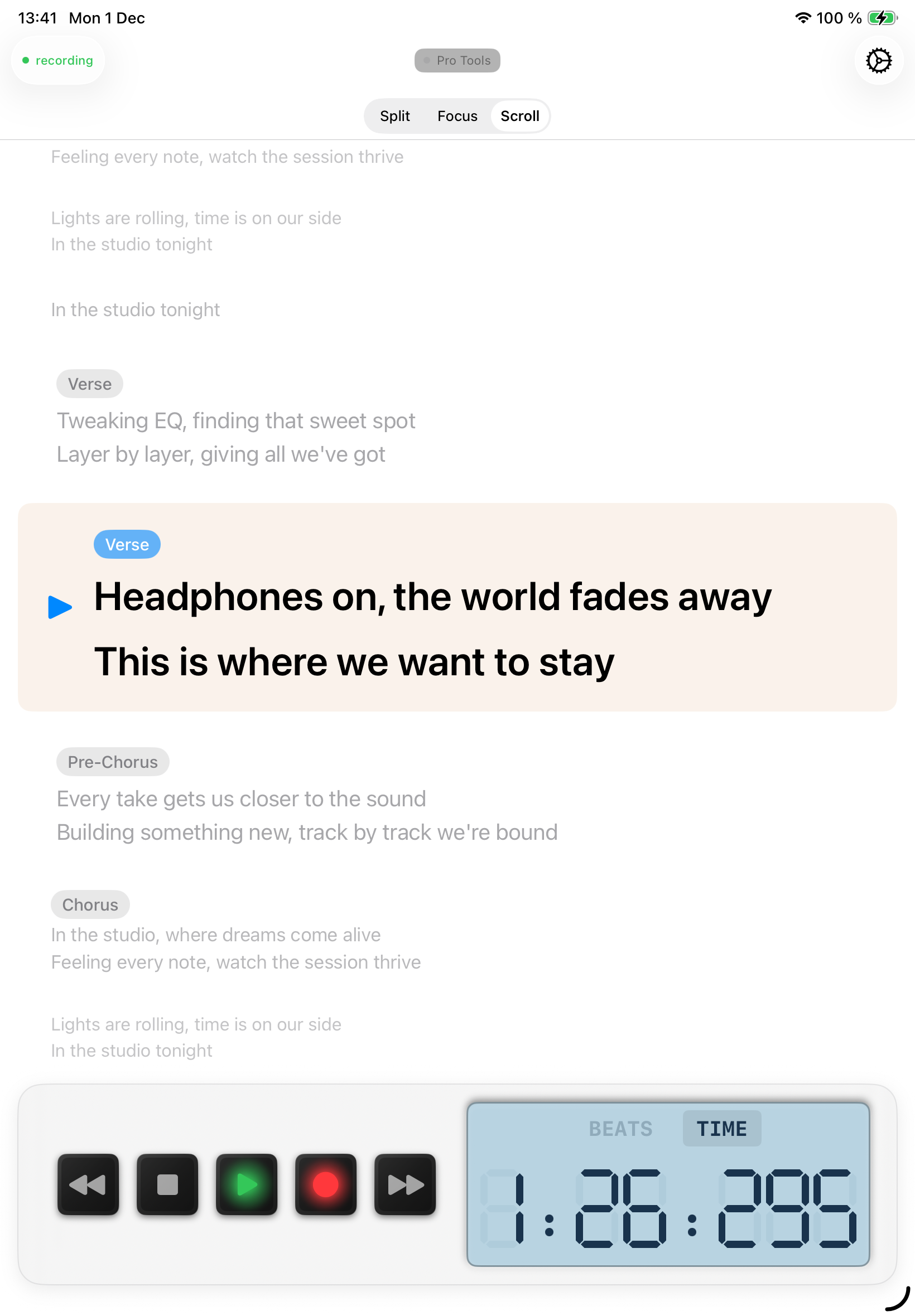
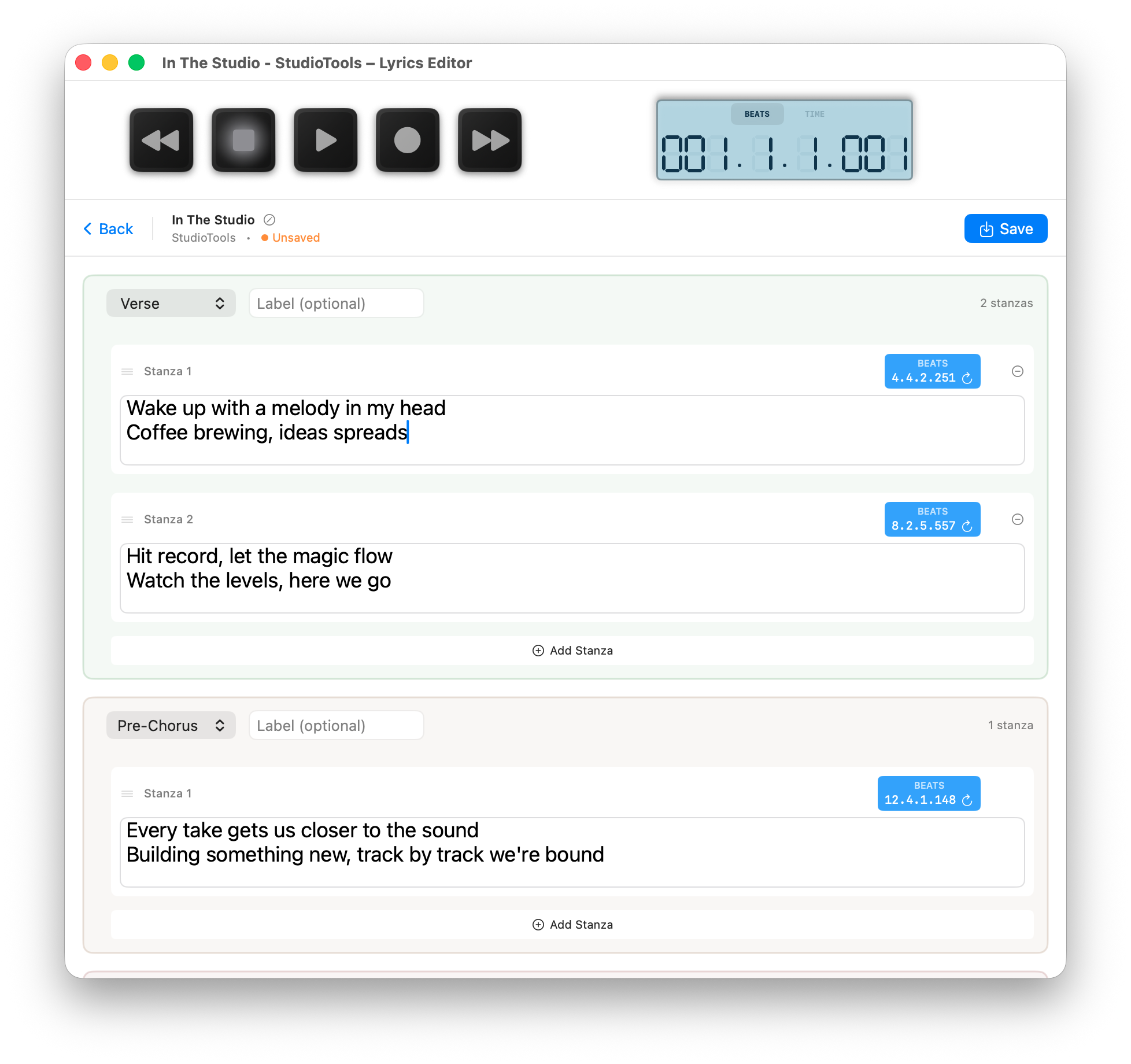
Write timestamped lyrics on the Mac and follow them on iPhone or iPad, in sync with the DAW.
Most studio tools do one thing. StudioTools covers the recording room and the files that come out of it.
| StudioTools | Typical single-purpose tool | |
|---|---|---|
| Recording lights | Hue, IKEA Trådfri & Dirigera, Matter, MQTT, webhooks | Usually one ecosystem |
| Dual-mono conversion | Bit-exact, keeps Broadcast Wave metadata | Often re-encodes and drops metadata |
| Audio metadata | WAV, AIFF, CAF — batch editing | Separate tool, often WAV only |
| Loudness | EBU R128, stored in Broadcast Wave | Separate meter plug-in |
| Lyrics teleprompter | Mac editor + iPhone/iPad app | Not included |
| Video capture | Starts and stops with the DAW | Not included |
| Pricing | One-time purchase | Often a subscription |
No cloud, no account, no tracking. StudioTools talks only to the devices and services you configure.
Analysis, conversion and automation run on your Mac. Nothing is uploaded.
Hub keys and passwords are stored in the macOS Keychain, not in plain-text settings.
Camera, microphone and local network access are only requested for the features that use them.
A built-in log viewer shows every action StudioTools takes.
StudioTools for macOS — studio automation, lyrics and audio file tools in one menu bar app.
Download on the Mac App Store StudioTools