 StudioTools
Studio automation
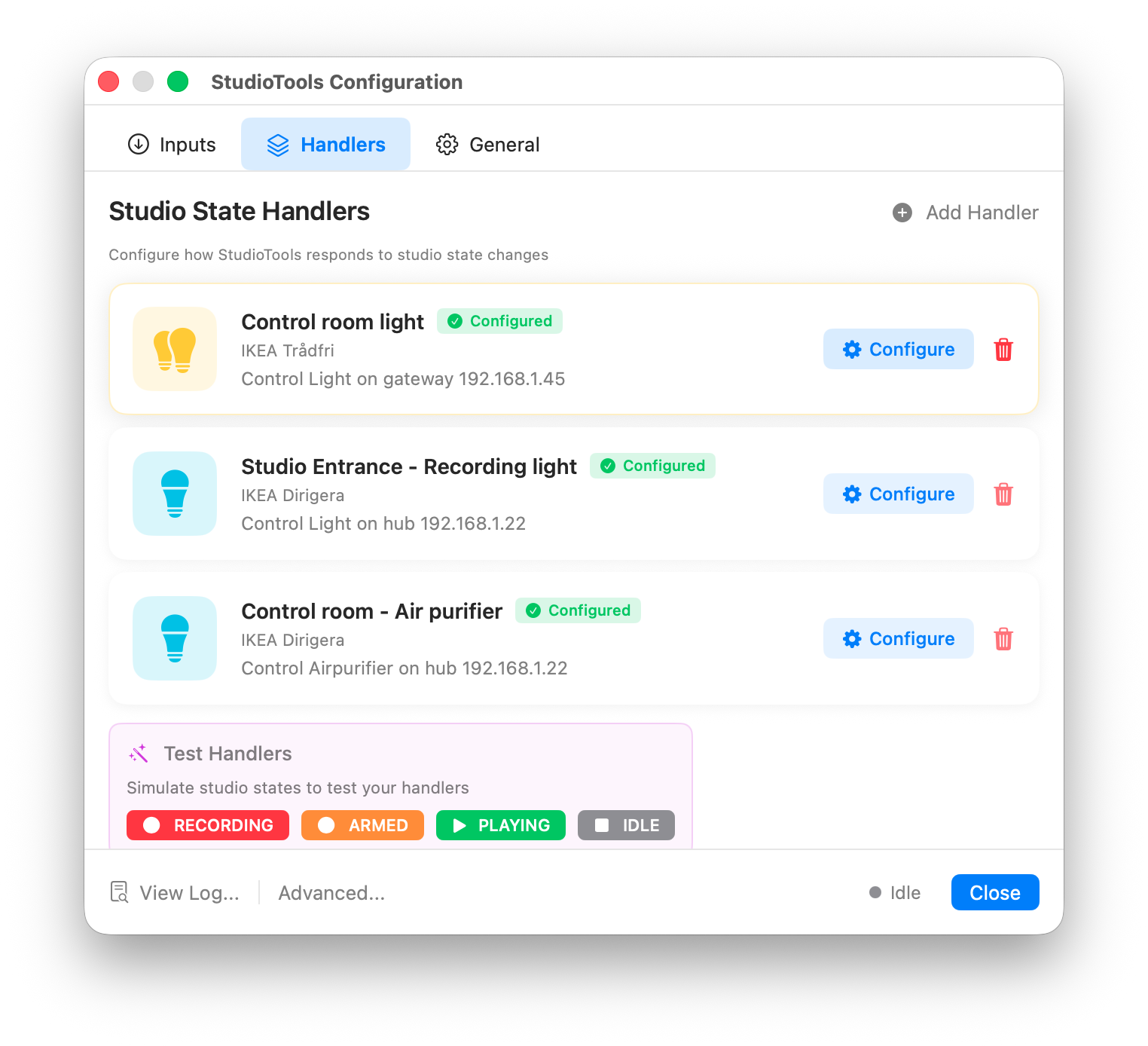
StudioTools turns your DAW's recording state — recording, armed, playing, idle — into actions: the red light outside the booth, a fan that goes quiet, a sign that says “On air”. Each action is a handler.
How handlers work
A handler listens for state changes and does something for each state. You can add as many as you like, of any type, and disable them individually.
Smart lights and devices
- Philips Hue
- Pair with a Hue Bridge and choose colors and brightness per state.
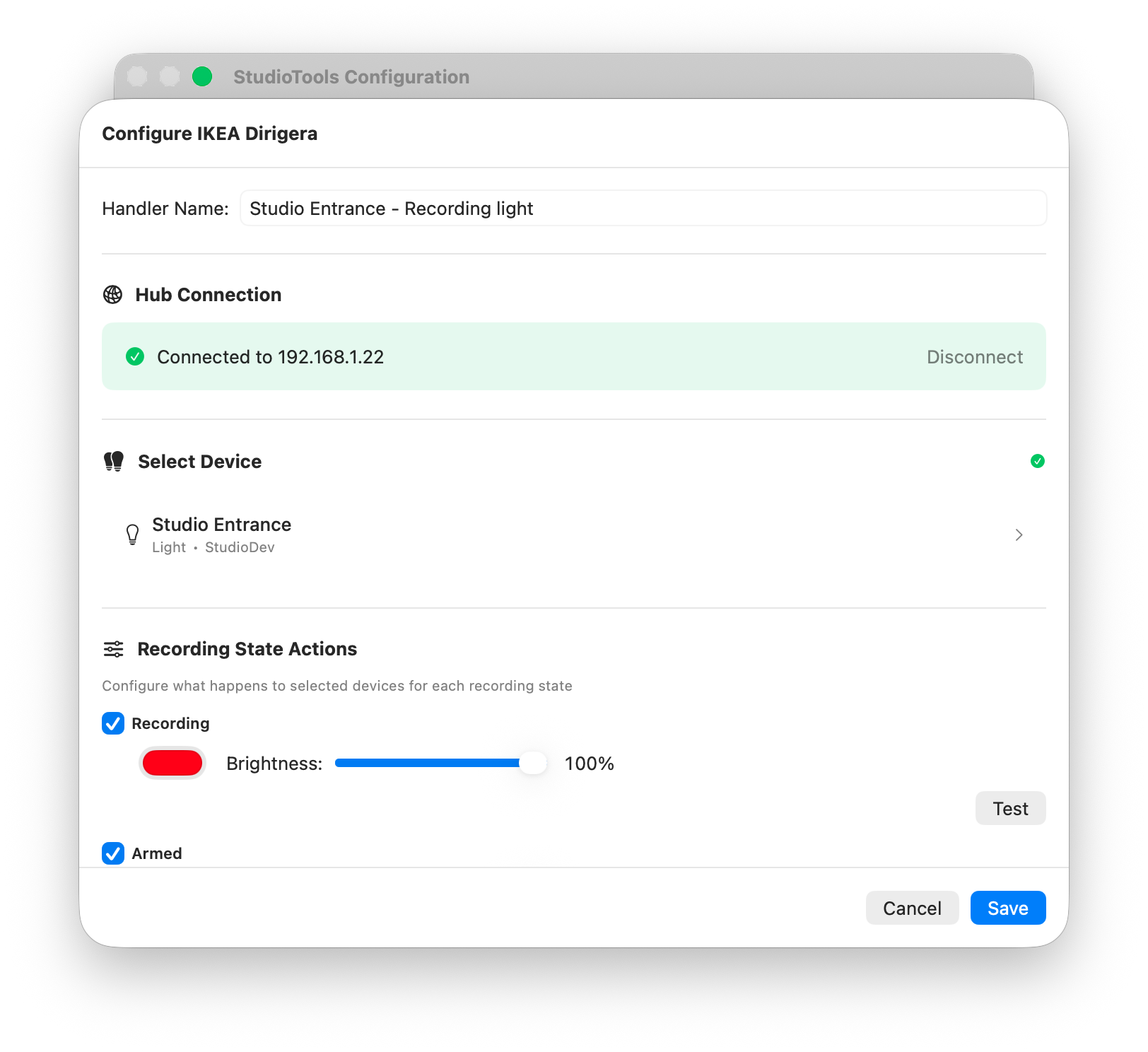
- IKEA Trådfri and Dirigera
- Control lights, plugs, blinds and air purifiers through the IKEA gateway or hub.
- Matter
- Control Matter devices directly, without a vendor hub.
Webhooks and MQTT
Send the state to Home Assistant, Node-RED or any other system: as an HTTP request, or as an MQTT message.
{"recordingstate": "recording"}Scripts
Run your own AppleScript or shell script on every state change, with the state as an argument.
Inputs: setting the state from outside
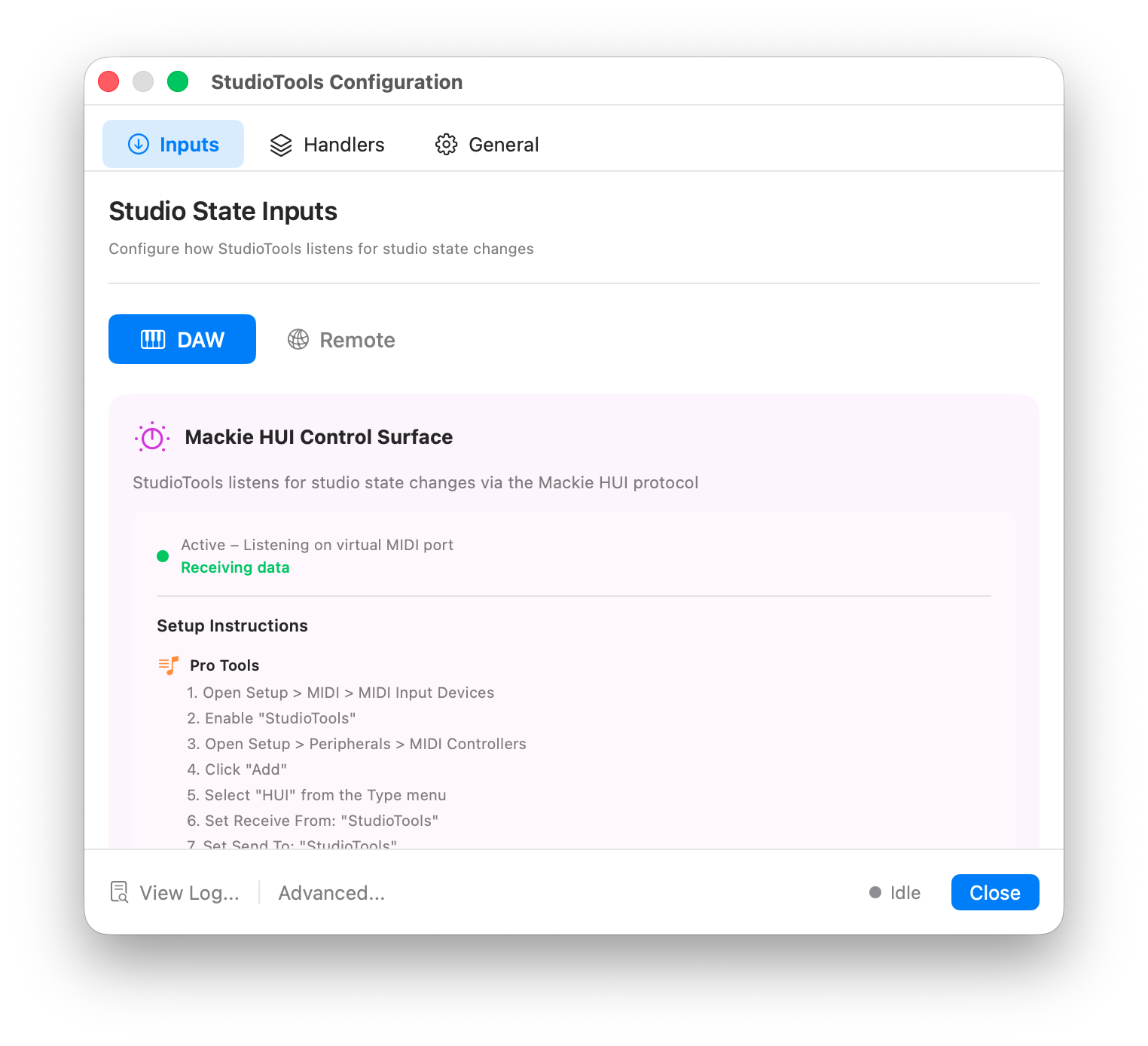
Besides the DAW, the WebHook listener and MQTT listener let other systems set the recording state — for example a hardware button or another app.